 Pocketroom
More photos in your pocket.
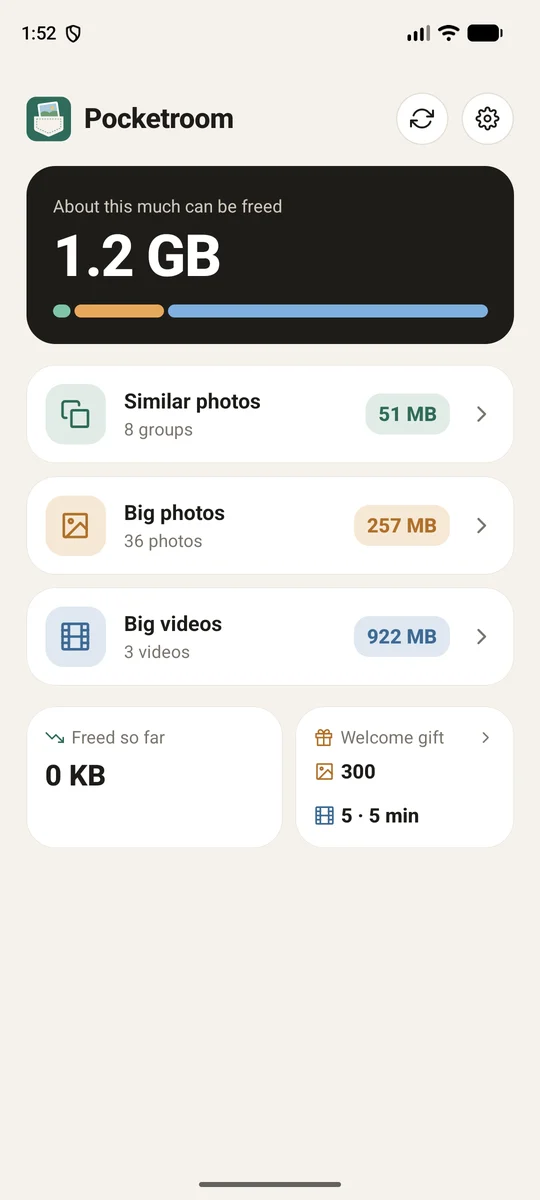
Pocketroom finds the space your gallery wastes: look-alike shots, and big photos and videos that could be much lighter. It keeps the best, makes smaller copies with the same date and place, and never asks you to give up a memory.
- No account
- Nothing uploaded
- Same date and place
- No ads
Room for new photos, without losing old ones.
Three quiet ways to free up space. You see what will happen before anything changes.
Similar photos
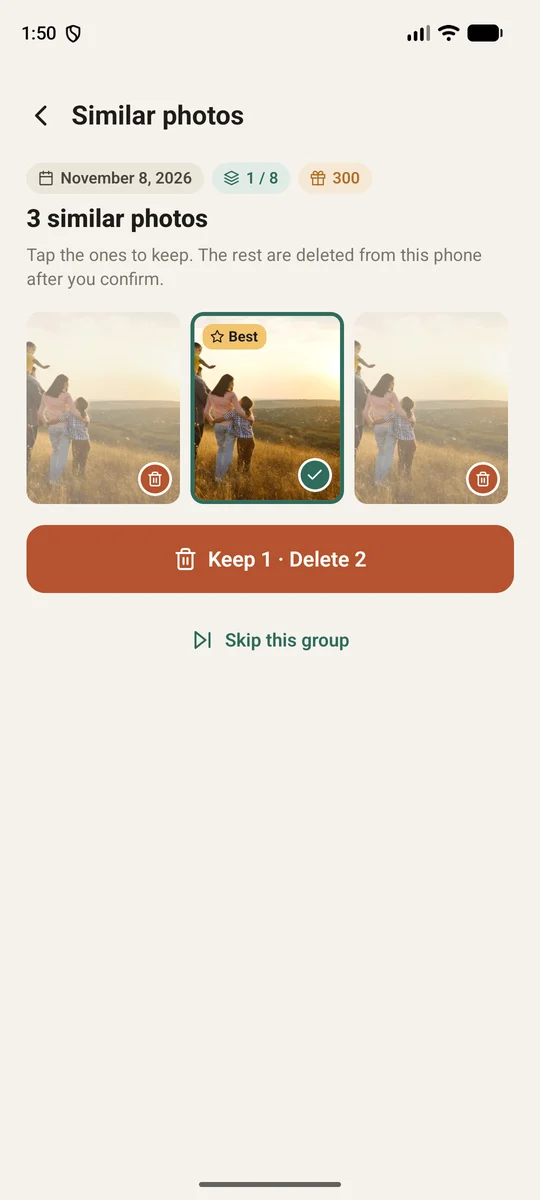
Bursts and shots taken a minute apart are grouped together. Pocketroom marks one to keep; you choose what stays.
Big photos, lighter
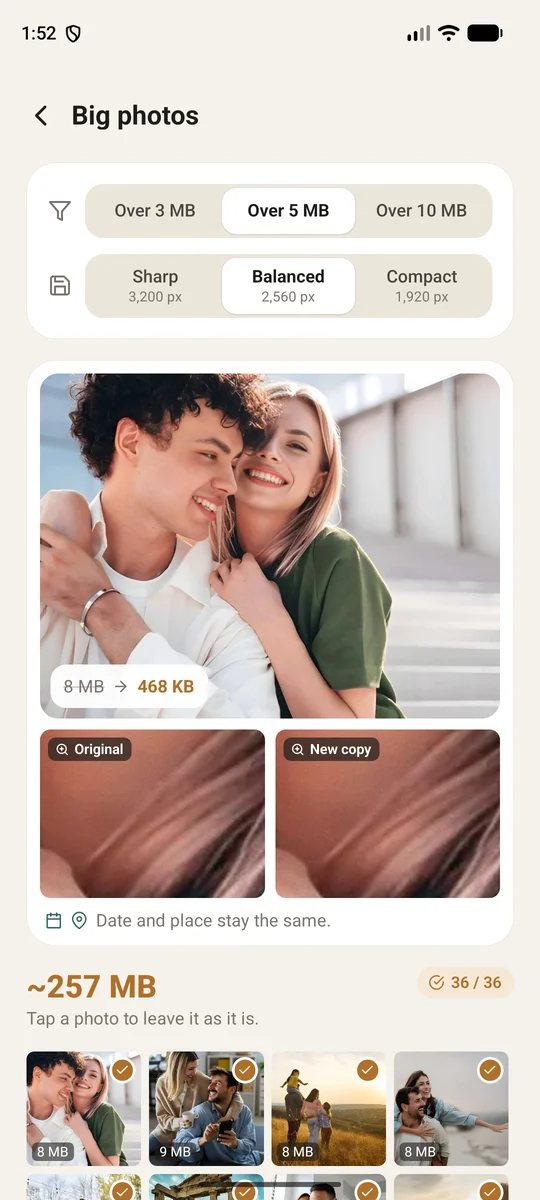
Older photos get a smaller copy at 3200, 2560 or 1920 px. Preview one of your own photos, zoomed in, before you start.
Big videos, lighter
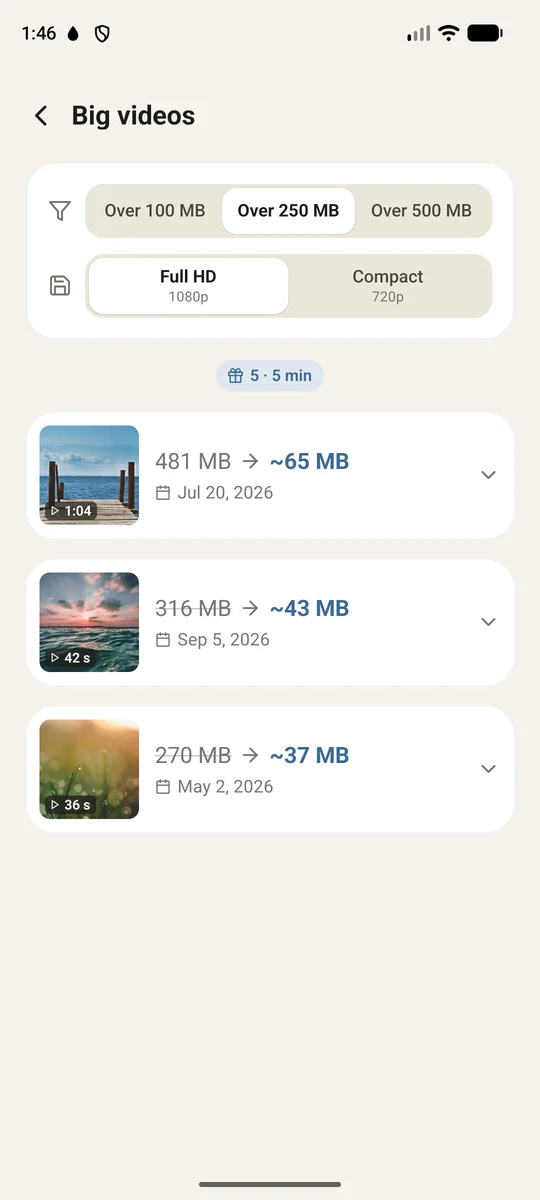
Long 4K clips are saved again in Full HD or 720p. Same date, same place, a fraction of the size.
Your gallery stays in order.
- Same date, place and name. A copy sits exactly where the original was in your gallery.
- Recent photos are left alone. Only photos older than a month are offered for shrinking.
- Tap to leave one out. Every photo and video can be skipped before you start.
- Nothing without your OK. Your phone asks once more before anything is removed.
- Works offline. No account, no upload, no waiting on a server.
- 28 languages. It opens in your phone's language, or in English.
- Tells you about updates. A short note on the home screen when a newer version is in the store.
Free to try, every day.
300 photos
To start, then 40 a day.
- 5 videos to start (5 minutes in total), then one video a day up to a minute
- Every feature, no ads
No limits
Unlock everything for good with a single in-app purchase. The price in your currency is shown in the app.
- No subscription, no weekly fees
- Restore it on a new phone with the same store account
Private by design
No account and no server. Your photos never leave your phone. Read the privacy policy.
No tricks
No trial that turns into a subscription, no fake "phone is full" alarms, and the close button is always there.
Made slowly
Pocketroom is made by Slow Things, a small studio that also makes Till and Letterbird.
Questions about Pocketroom
Before you start
Does Pocketroom delete anything without asking?
No. Pocketroom shows you what it will do and waits for your OK. Then your phone asks once more before any photo or video is removed.
Where do the originals go?
iPhone: deleted photos and replaced originals go to Recently Deleted in Photos for 30 days. Empty it there to get the space back right away. Android: once you confirm in the system dialog, the originals are removed from the phone and the space is free at once.
What about iCloud Photos and Google Photos?
With iCloud Photos, the smaller copy replaces the original in iCloud too. Google Photos and other backups may keep their own copy of the original; Pocketroom doesn't touch them.
Will I see a difference?
On a phone screen, hardly. Zooming in very far or printing very large shows less detail. Pick Sharp (3200 px) if you print, Balanced (2560 px) for most photos, or Compact (1920 px) for the most space. The preview shows one of your own photos before you begin.
Using it
Why are my newest photos not offered?
Photos from the last 30 days are left alone, because people still edit and share them.
How are similar photos found?
Photos taken within about two minutes of each other form a group, worked out on your phone. Pocketroom marks one to keep; tap any other photo to keep it too. Skip a group and it won't be offered again.
I only shared some photos with the app
Then Pocketroom can only look at those. To let it look at everything, allow full photo access in your phone's settings for Pocketroom.
Changing the language
Pocketroom starts in your phone's language if it is one of its 28, otherwise in English. Change it any time in Settings › Language.
Purchase
What is free and what is Pro?
Everything works for free within a daily allowance: the first 300 photos and 5 videos (5 minutes in total), then 40 photos and one video of up to a minute each day. Pro removes the limits with one payment.
New phone: how do I get Pro back?
Open Settings › Unlock everything and tap Restore purchase, signed in with the same Google or Apple account.
Refunds
Payments are handled by Google Play or the App Store. Ask them for a refund through your purchase history.
Something not working? Write to hello@slowthings.studio or use Settings › Contact us in the app. A real person reads every message, usually within two working days.